What Is IPTV? A Plain-English Guide for US Viewers
IPTV explained simply: how internet TV works, what you need to watch it, how it compares to cable and streaming apps, and how to pick a service.
2 min readRead article
Tips
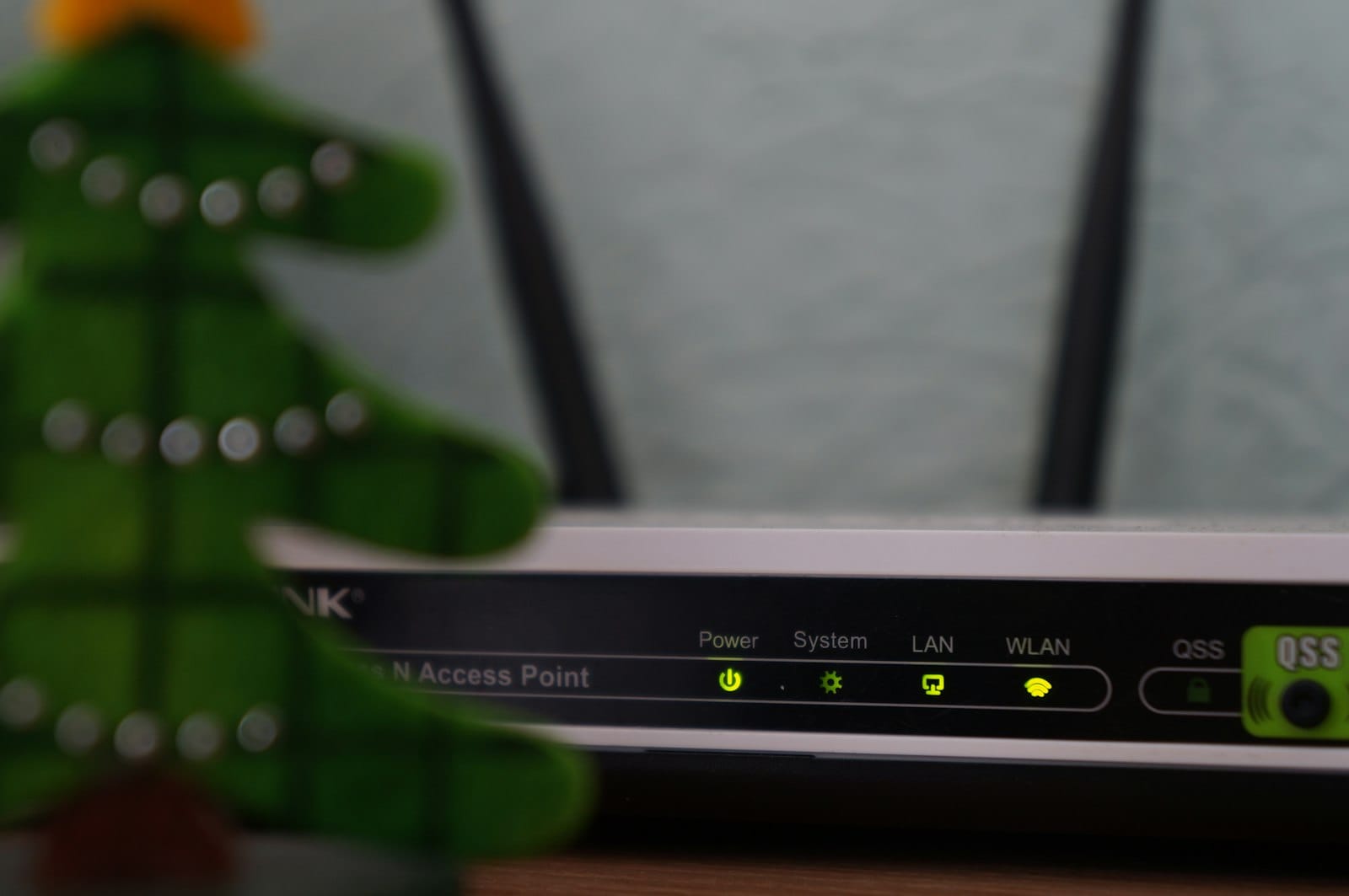
Is your IPTV buffering or freezing? Try these 9 practical fixes, from Wi-Fi tweaks to device settings, to get a smooth, stable picture again.
Nothing ruins the big game like a spinning wheel. The good news is that most IPTV buffering is caused by something at home that you can fix in a few minutes. Work through these fixes in order.
Turn off your streaming device and router, wait 30 seconds, then turn them back on (router first). This clears memory and gets you a fresh connection. It fixes more problems than anything else on this list.
Run a speed test on the TV or stick you watch on, not on your phone. You want at least 10 Mbps for HD, 15 Mbps for Full HD and 25 Mbps for 4K, for each screen that’s streaming. More detail is in our internet speed guide.
Most routers broadcast two networks. The 5 GHz network is much faster and less crowded than 2.4 GHz, especially in apartments. Connect your streaming device to it.
A wired connection is always more stable than Wi-Fi. Fire TV Sticks and Chromecast with Google TV can use an inexpensive Ethernet adapter.
Walls, floors, mirrors and microwaves all weaken Wi-Fi. Moving the router a few feet, or adding a mesh point near the TV, can make a big difference.
Game updates, cloud backups and other streams in the house all share your bandwidth. Pause them while you watch live TV.
On Android TV and Fire TV, go to Settings → Applications → Manage installed applications, select your player and choose Clear cache. It doesn’t remove your login.
If one channel struggles at 4K, switch it to Full HD. You’ll barely notice the difference on most TVs, and the stream will be much steadier.
If one channel buffers while others play smoothly, the problem may be on our side. Message us on WhatsApp (how to reach support) with the channel name, your device and the time, and we’ll check it.
Read the setup tips for your device in our setup guides. The Fire TV Stick, Android TV and Apple TV guides each have a section on getting the most stable picture.
IPTV explained simply: how internet TV works, what you need to watch it, how it compares to cable and streaming apps, and how to pick a service.
2 min readRead article

Compare the real yearly cost of cable or satellite TV with an IPTV subscription, including box rental, fees and contracts, with worked examples.
2 min readRead article

Fire TV Stick, Google TV, Apple TV or your smart TV? We compare the best devices for IPTV by price, speed, 4K support and ease of setup.
2 min readRead article
Message us on WhatsApp and we'll set up a free 24-hour trial on your device in minutes. No card, no contract.