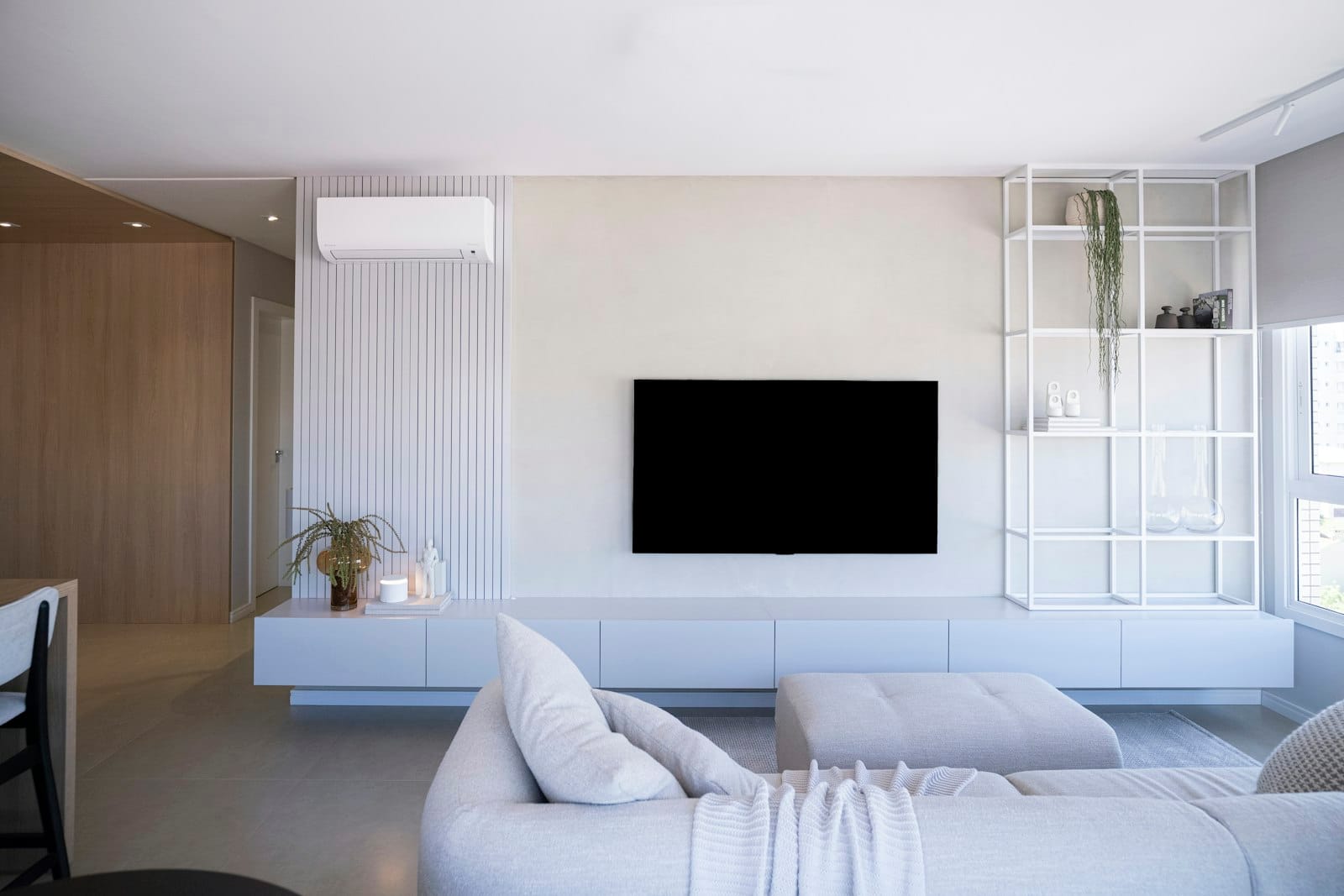
Samsung Smart TV
How to Set Up IPTV on a Samsung Smart TV
Watch IPTV on a Samsung Smart TV (Tizen, 2018 and newer). Install a compatible player from the Samsung app store and activate it in minutes.
Most Samsung Smart TVs from 2018 onward run Tizen and can play IPTV directly. You won’t need a streaming stick.
What you need
- A Samsung Smart TV (Tizen, 2018 or newer) connected to the internet
- Your login details from us on WhatsApp
Step-by-step setup
- Press Home on your remote and open Apps.
- Search for the player app we recommend and select Install.
- Open the app. Some players show a MAC address or device key on screen. If yours does, send us a photo of it on WhatsApp and we’ll activate it for you.
- Sign in with your username, password and server URL, or let us load your playlist remotely.
- Restart the app, wait for the channel list to load and start watching.
Tips
- If the app store search shows nothing, update your TV first: Settings → Support → Software Update.
- Older Samsung models (2017 and earlier) may not support current players. A Fire TV Stick is the simplest fix.
Don't have an account yet? Start a free 24-hour trial or see pricing.