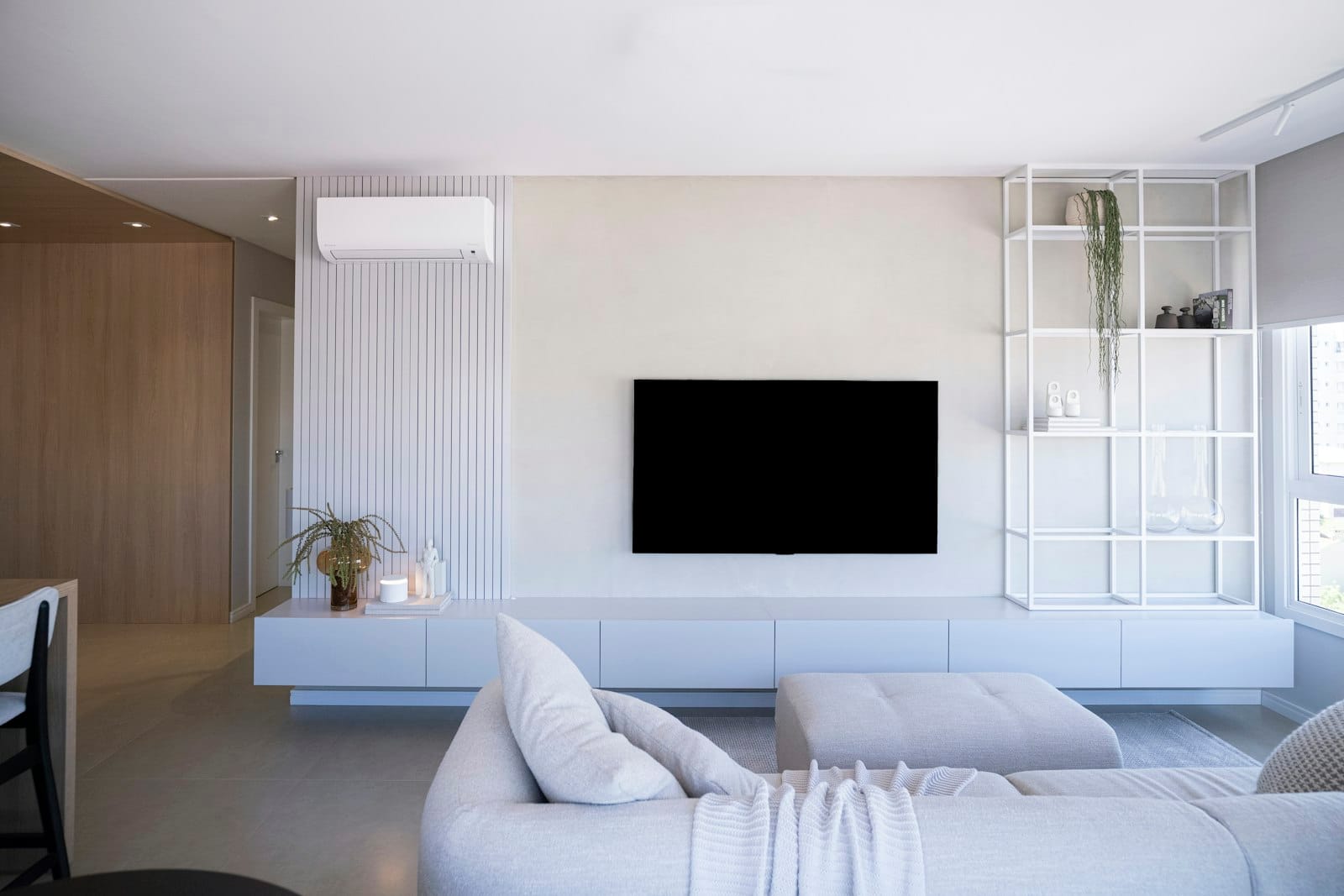
LG Smart TV
How to Set Up IPTV on an LG Smart TV (webOS)
Set up IPTV on an LG Smart TV running webOS. Install a compatible player from the LG Content Store, activate your device and start streaming.
LG Smart TVs running webOS support IPTV through player apps in the LG Content Store.
What you need
- An LG Smart TV with webOS 4.0 or newer
- Your login details from us on WhatsApp
Step-by-step setup
- Press Home on your remote and open the LG Content Store (or Apps on newer models).
- Search for the player app we recommend and select Install.
- Open the app and note the MAC address or device ID shown on screen. Send a photo of it to us on WhatsApp.
- We activate your playlist remotely. You’ll get a confirmation message.
- Restart the app, wait for the channels to load and start watching.
Tips
- Keep Quick Start+ turned on so the app opens faster after the TV is switched on.
- If playback stutters, connect the TV with an Ethernet cable. Many LG Wi-Fi chips are slower than a streaming stick.
Don't have an account yet? Start a free 24-hour trial or see pricing.