What Is IPTV? A Plain-English Guide for US Viewers
IPTV explained simply: how internet TV works, what you need to watch it, how it compares to cable and streaming apps, and how to pick a service.
2 min readRead article
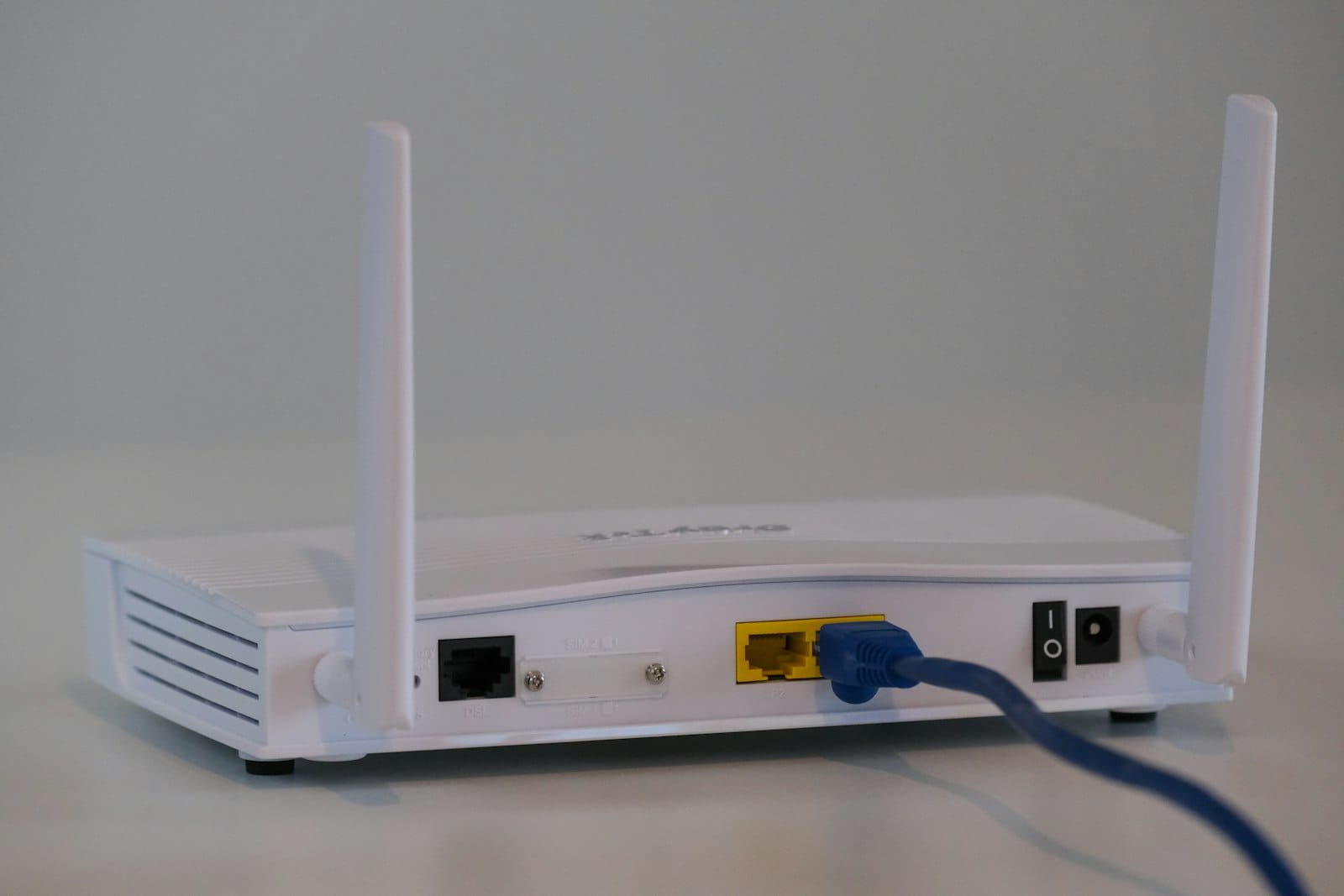
Guides
The internet speed you need for IPTV in HD, Full HD and 4K, how to calculate it for several TVs, and how to test whether your connection is fast enough.
Your internet connection matters more than any other factor in IPTV picture quality. Here’s how much speed you need, how to work it out for your household, and how to test it properly.
| Picture quality | Speed per screen |
|---|---|
| HD (720p) | 10 Mbps |
| Full HD (1080p) | 15 Mbps |
| 4K (2160p) | 25 Mbps |
These are recommendations for a smooth, stable picture, with some headroom for everything else happening on your network.
Add up the screens that will stream at the same time, then add about 20% for phones, laptops and other devices.
Example: two TVs in Full HD plus one tablet in HD:
Most US home internet plans today are well above this, but Wi-Fi often delivers far less than your plan’s speed to a TV in another room.
On a Fire TV Stick or Android TV you can install a free speed-test app from the app store.
For more fixes, read How to Fix IPTV Buffering.
If your internet plan has a data cap, keep in mind that live TV uses roughly 1.5–3 GB per hour in HD and 7 GB or more per hour in 4K.
The best test is a real one. Start a free 24-hour trial and watch during prime time to see how your connection performs.
IPTV explained simply: how internet TV works, what you need to watch it, how it compares to cable and streaming apps, and how to pick a service.
2 min readRead article

Compare the real yearly cost of cable or satellite TV with an IPTV subscription, including box rental, fees and contracts, with worked examples.
2 min readRead article
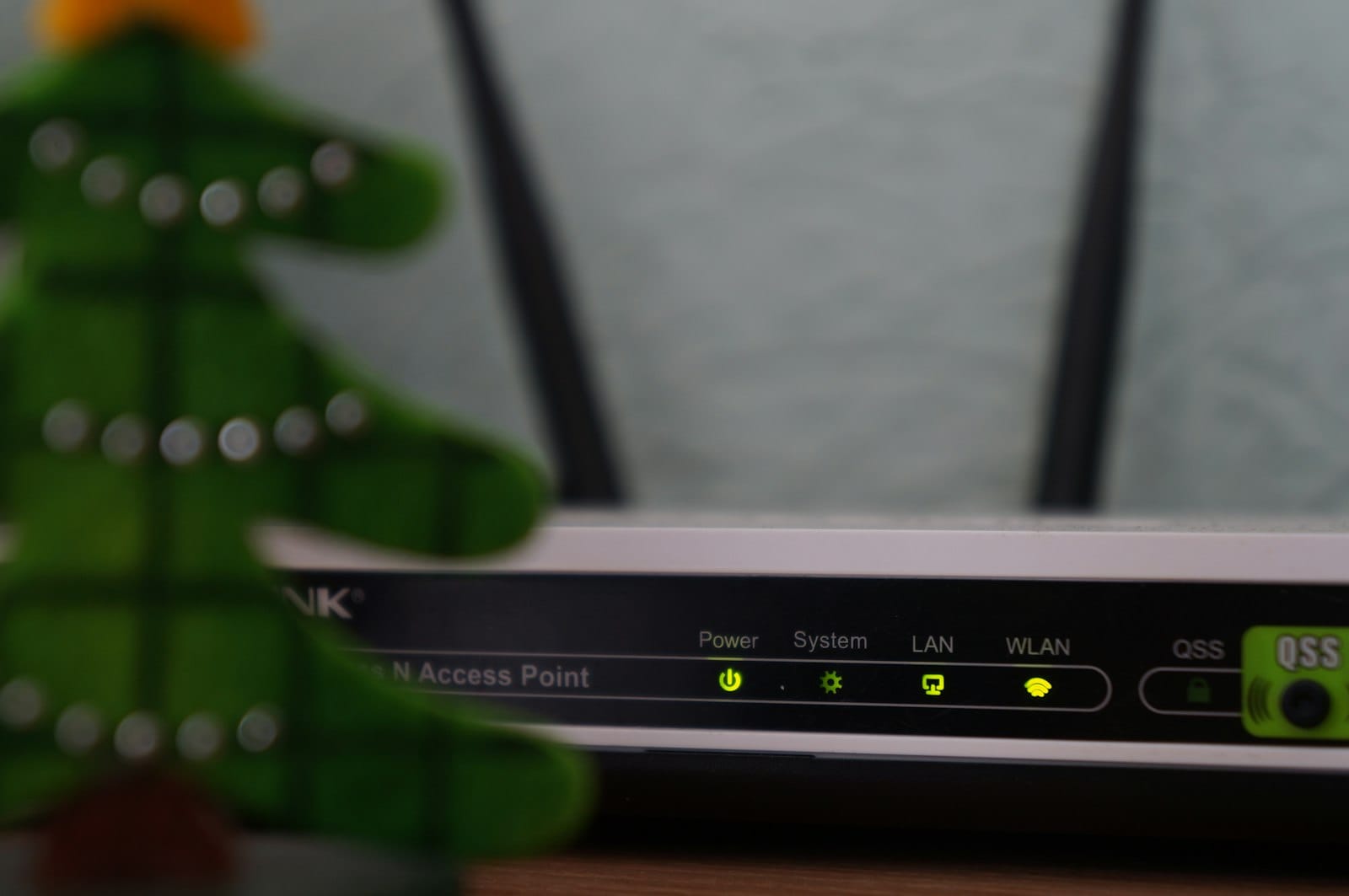
Is your IPTV buffering or freezing? Try these 9 practical fixes, from Wi-Fi tweaks to device settings, to get a smooth, stable picture again.
2 min readRead article
Message us on WhatsApp and we'll set up a free 24-hour trial on your device in minutes. No card, no contract.